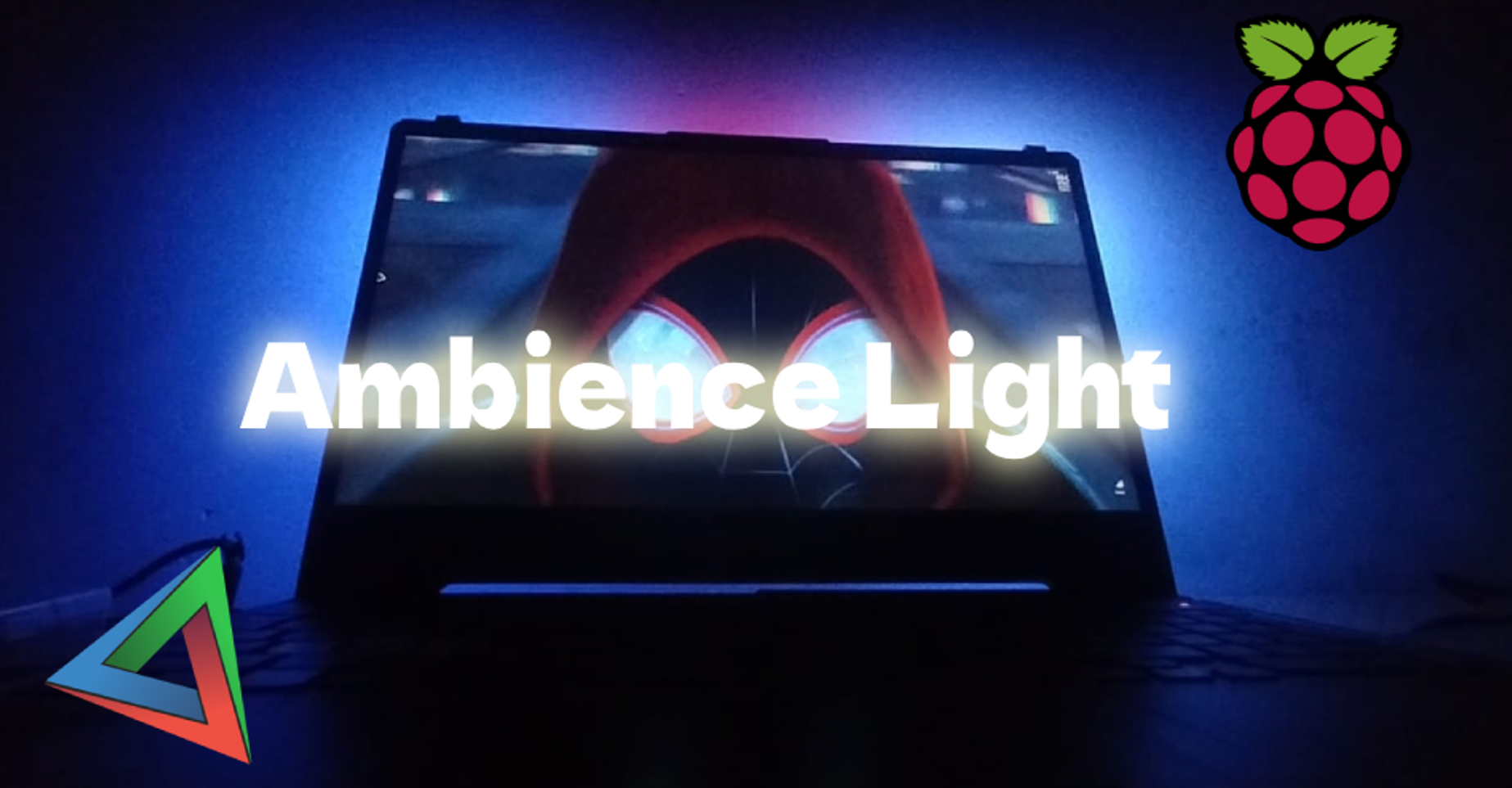
This is going to be a short blog on how I built a Ambience Lighting setup for my laptop from old Refurbished/Scrap materials from my old projects.
Why I started
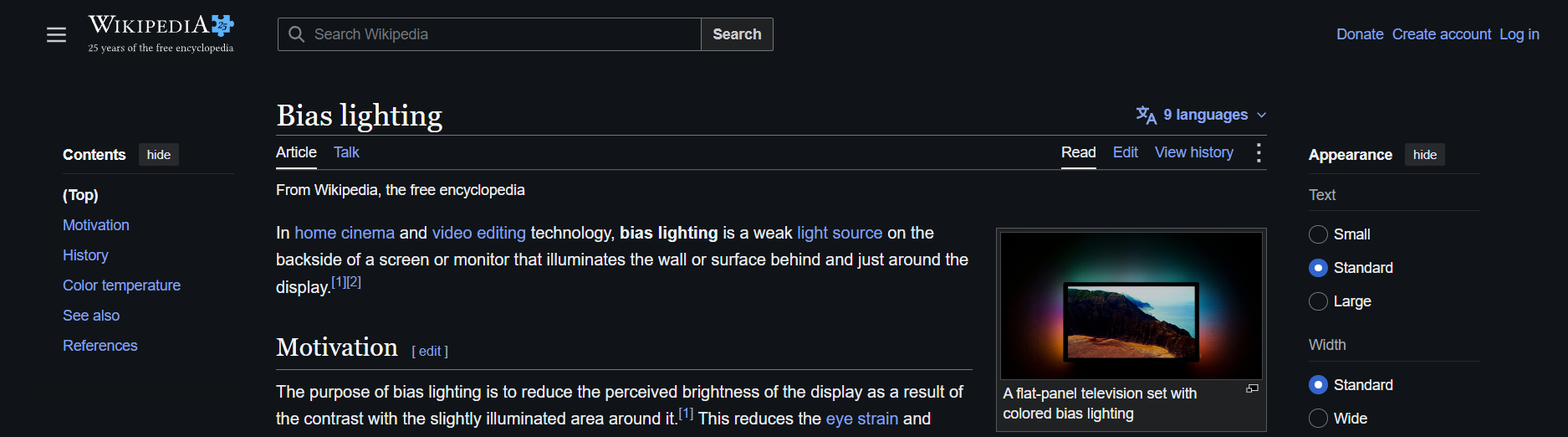
My hostel room pretty bland. Since they won't allow external lights to be fixed, It just looks too minimal room. And one day I came across the bias lighting for TV's and It looked pretty promising. So I decided to make one for laptop too.
What I used
- Raspberry Pi Pico I had a Raspberry Pi Pico laying around for years after using for multiple projects. I just saw it laying around , and thought , Why not use it!
- WS2812B
- USB C type input
- Some piece of Metal and Plastics.
How I did it
1. Getting started
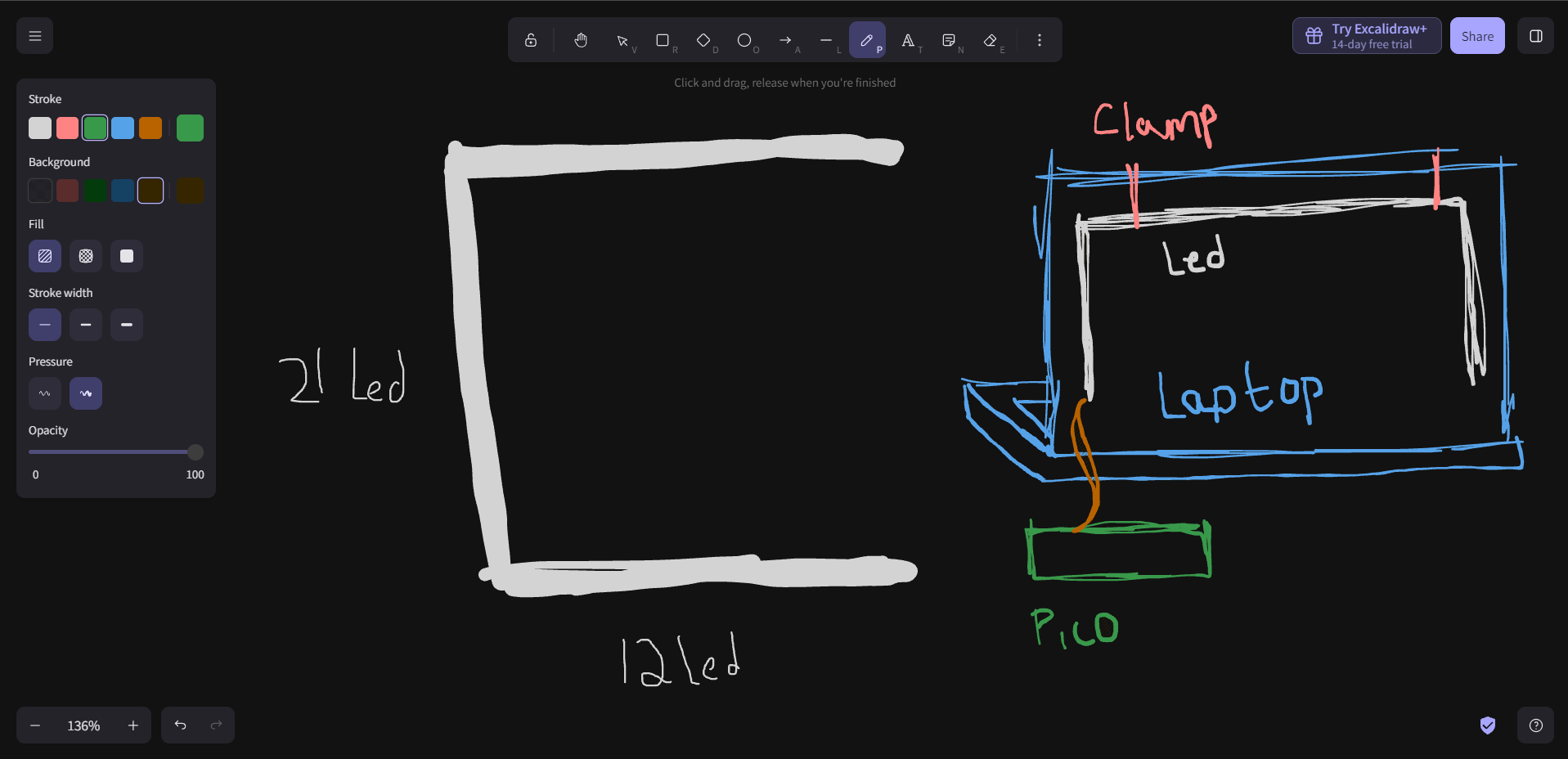
I thought of a simple design in mind. Although initially I was going to build a Foldable and Portable version, In the given time constraints, i found it quite challenging to design. And went with a simple geometric C shaped structure.
2. Putting it together
A) Making the Frame
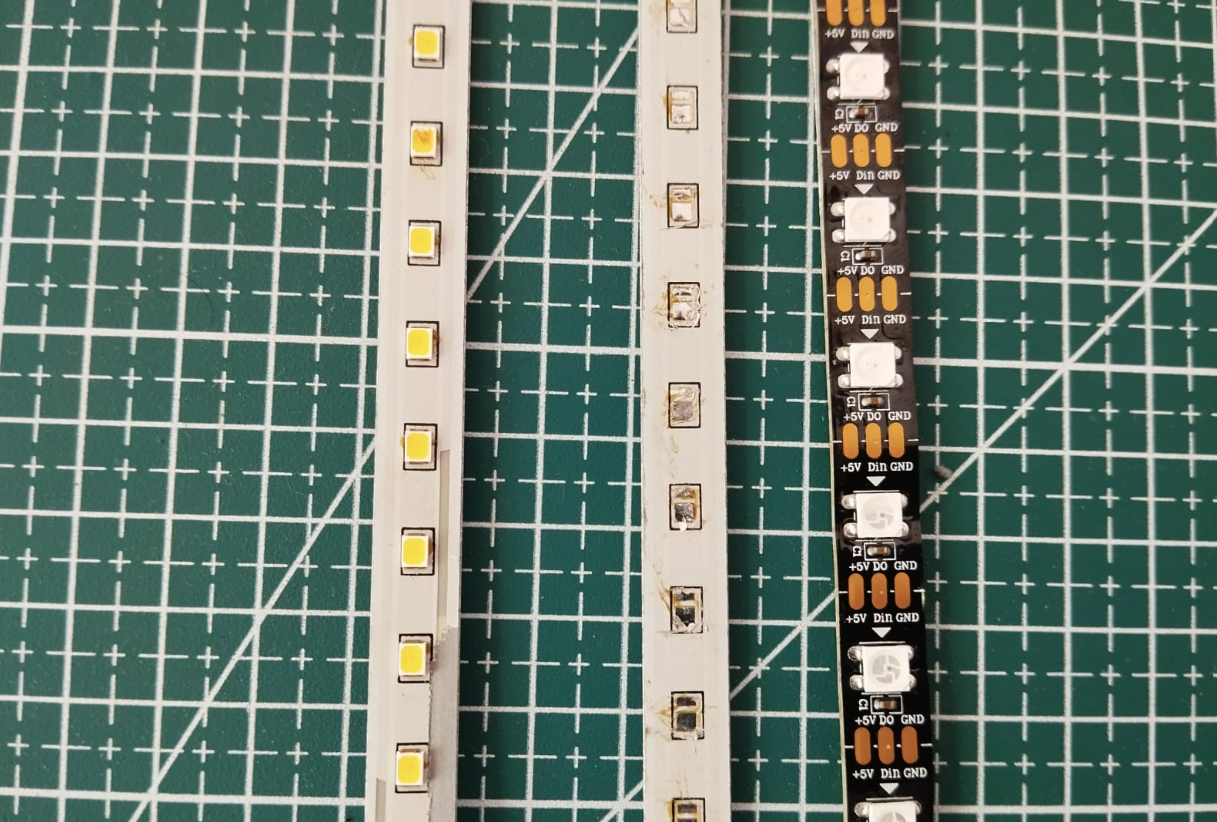
To make the frame , I used Led Strip Inside the Tube Light (Preferably the Aluminum Heatsink PCBs) and Desoldered the SMD LEDs with a custom built Solder Reflow plate. After cutting the Aluminum heatsink to the desired length and polishing off the sides , I fixed the WS2812B led strip with some Super Glue.
And to join the Metal piece , I cut a PVC sheet (made from PVC pipes) into a L shape Joint and I Super Glued it to the Heatsink
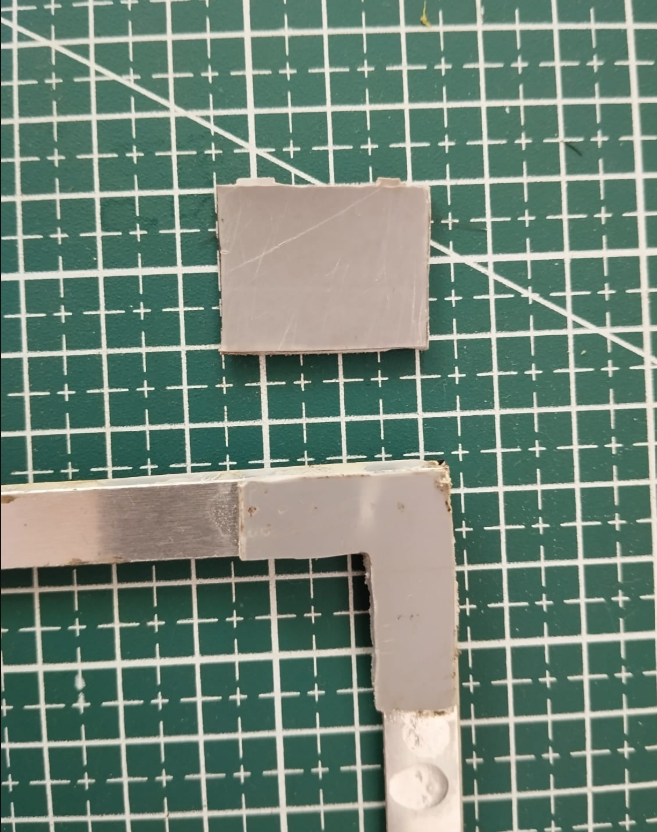
After adding joint , I made some clamps also with the PVC. And also soldered all the LED Strip together carefully with Un-insulated copper wires , and I poured Epoxy over the soldered region so that it would stay intact and prevent a short circuit
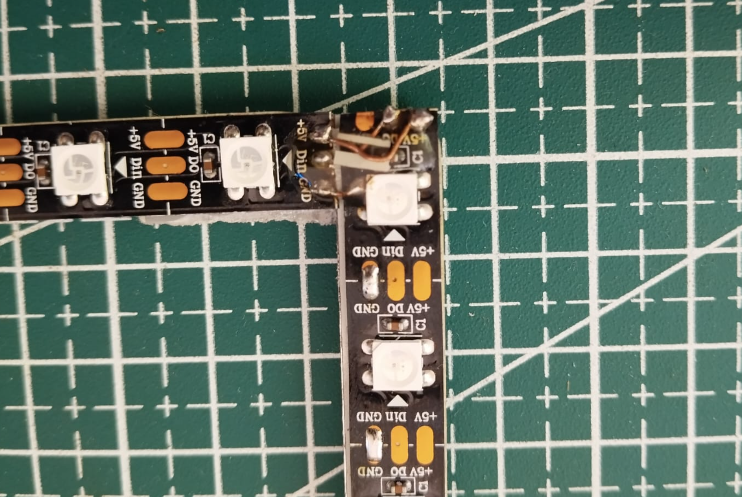
And I just soldered wires at the end , And tied it with a thread along with some addition of super glue so it would stay strong.
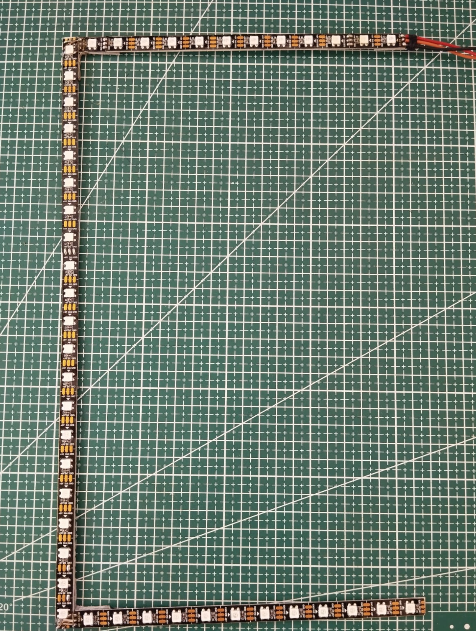
B) Circuit
The Circuit is Quite straight forward and simple , My Pico had some Headers soldered, And I decided to remove it , CUZ WHY NOT.
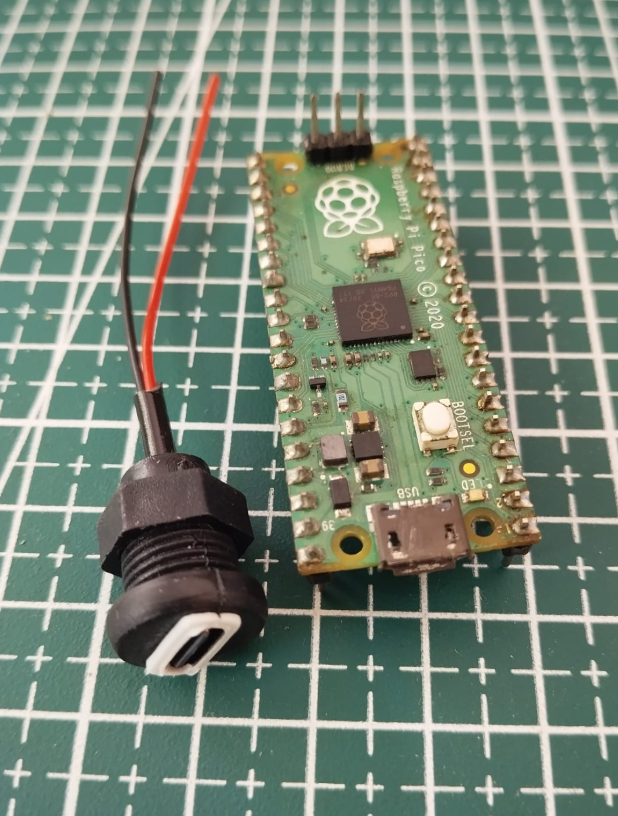
The image given below is the circuit diagram.
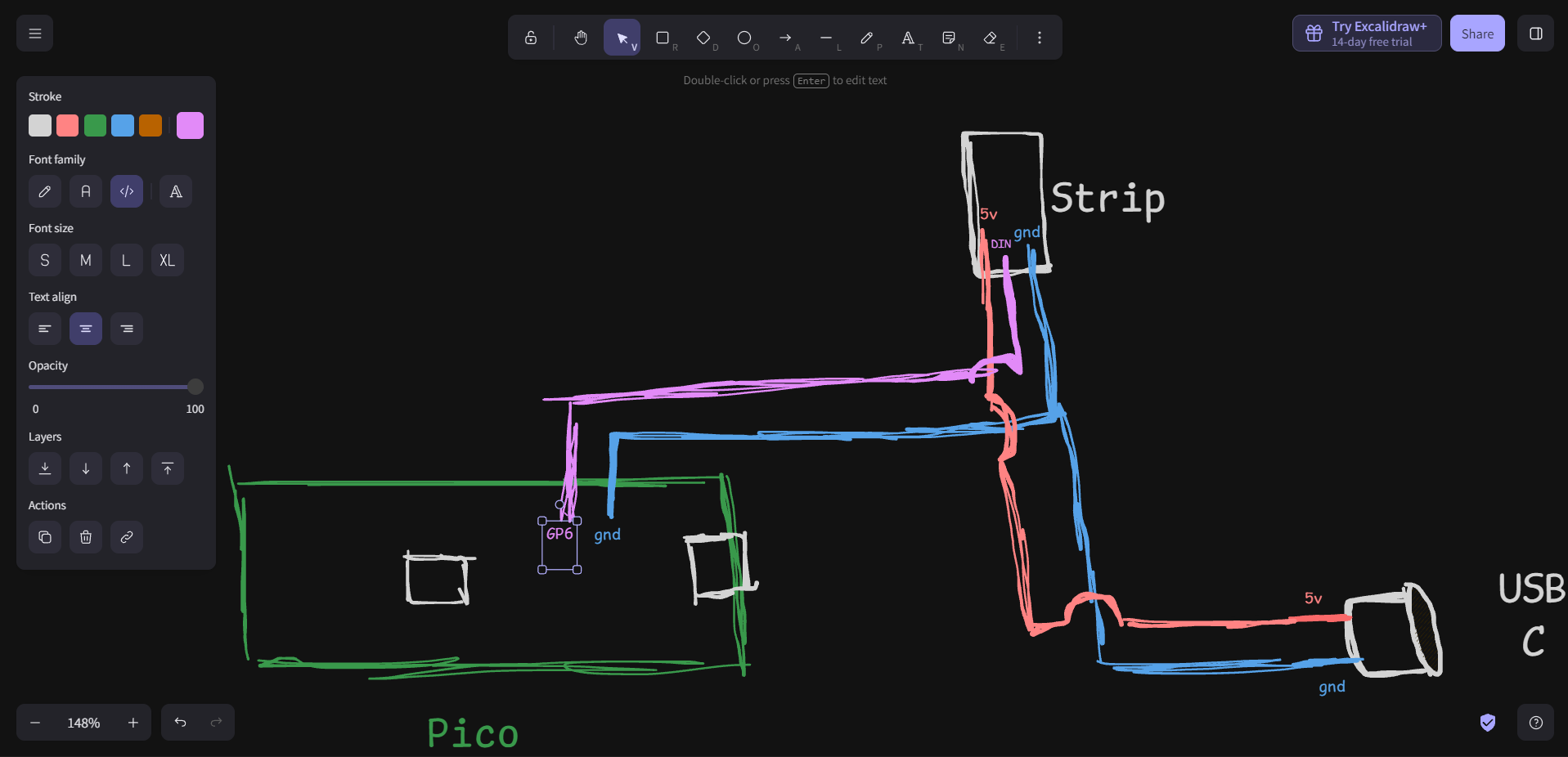
Do not short circuit any part. There LEDs are quite sensible to small mistakes and can damage easily. Proceed with your own trust and risk.
C) Software
The software setup is quite straight forward , I am using an opensource software called Prismatik. After installation , Run the device configuration , Select Adalight, Number of LEDs , Amps etc.. And also select the type of arrangement of LEDs (Cassiopiea), Number of LEDs on Top and Sides. and "Inverted" if inverted.
And for the code part for Pico , I used the following altered code
#include <FastLED.h>

#define NUM_LEDS 45
#define DATA_PIN 6

#define SERIAL_BAUDRATE 115200

CRGB leds[NUM_LEDS];

void setup() {

  FastLED.addLeds<WS2812B, DATA_PIN, GRB>(leds, NUM_LEDS);

  // Startup FX

  for(int i = 0; i <= 40; i++) {
    FastLED.clear();
    for(int j = 0; j < 5; j++) {
      leds[i + j] = CRGB::White;
    }
    FastLED.show();
    delay(25);
  }
  for(int i = 40; i >= 0; i--) {
    FastLED.clear();
    for(int j = 0; j < 5; j++) {
      leds[i + j] = CRGB::White;
    }
    FastLED.show();
    delay(25);
  }
  FastLED.clear(true);

  Serial.begin(SERIAL_BAUDRATE);
  Serial.setTimeout(50);

}


void loop() {

  if (Serial.available() > 0) {

    if (Serial.read() == 'A') {

      // Wait for 'Ada' prefix

      uint32_t t = millis();
      while(!Serial.available() && (millis() - t < 10));
      if (Serial.read() == 'd') {
        t = millis();
        while(!Serial.available() && (millis() - t < 10));
        if (Serial.read() == 'a') {
          t = millis();
          while(Serial.available() < 3 && (millis() - t < 20));
          uint8_t hi = Serial.read();
          uint8_t lo = Serial.read();
          uint8_t chk = Serial.read();
          if (chk == (hi ^ lo ^ 0x55)) {

            // Checksum passed, read all 240 LEDs instantly into the buffer
            Serial.readBytes((char*)leds, NUM_LEDS * 3);
            FastLED.show();
          }
        }
      }
    }
  }
}
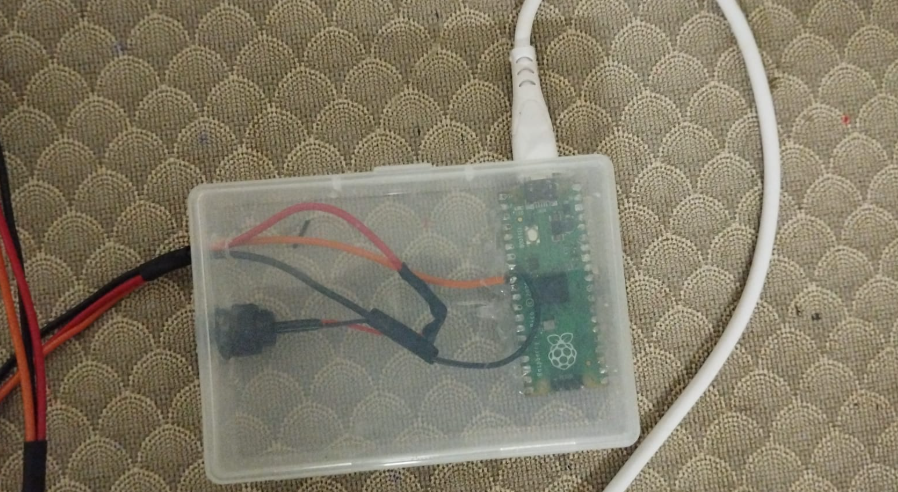
Fixing everything into a box
3. The result
The result turned out to be quite stunning at night. Although Pico is probably an overkill for this project , I'd recommend using an Arduino Nano, Since it full fills the requirements.
Apologies for the bad video quality lol.